Workspace Setup
How to create an organization or join an existing workspace
Last updated: 26 March 2026
After logging in for the first time, you need to either create a new organization or join an existing one to start building AI agents.
Creating an Organization
If you are the first person from your team to use AIDA, you'll need to create an organization.
-
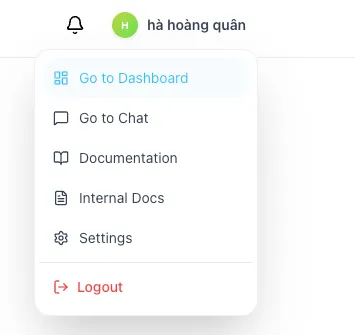
Click on your profile icon in the top header and select Go to Dashboard.
-
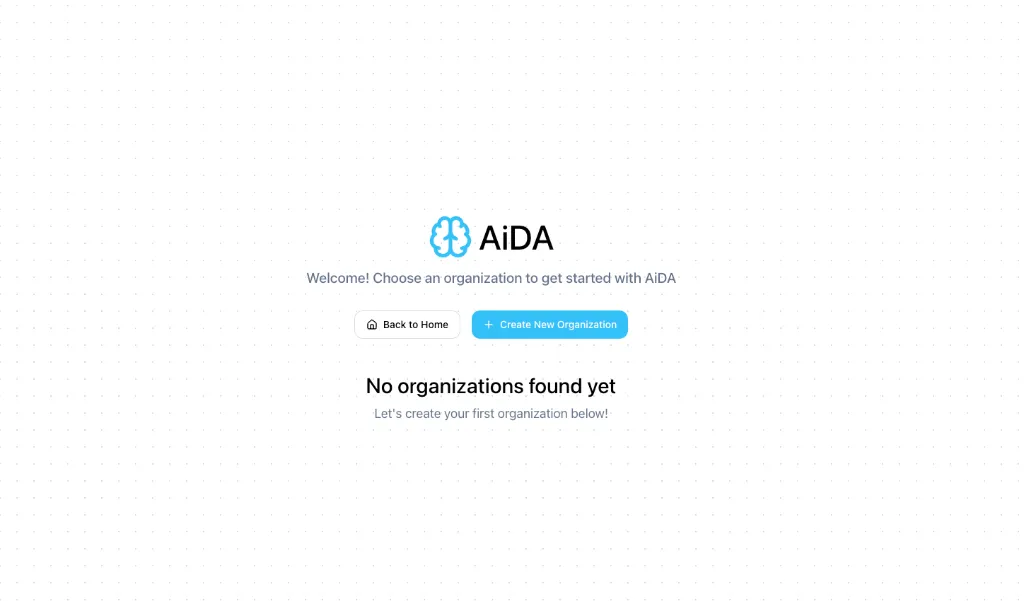
If you don't belong to any organization, you will see the Welcome screen.
-
Click the + Create New Organization button.
-
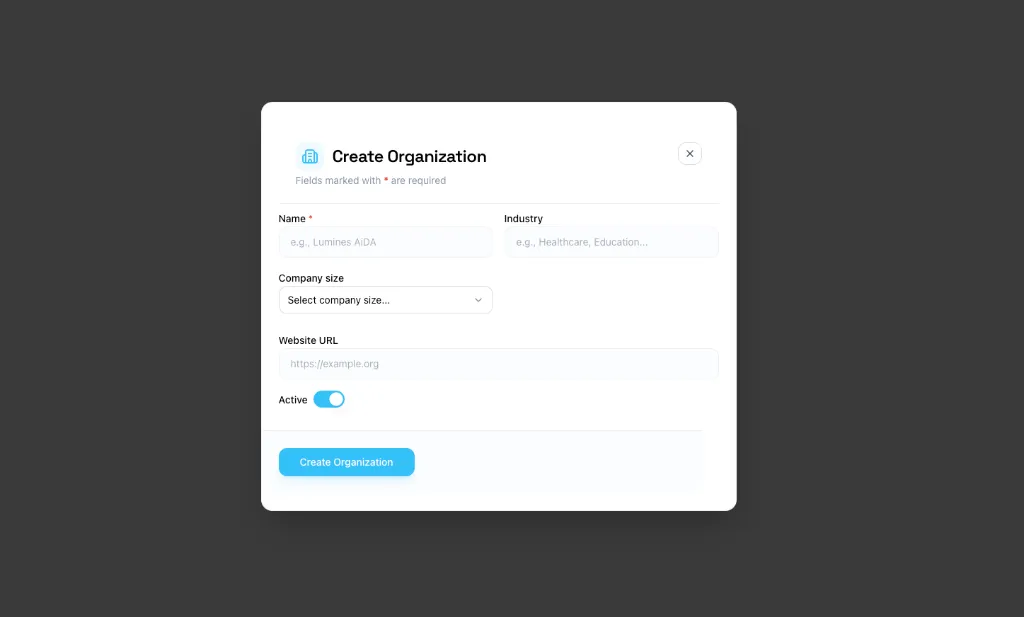
Fill in the organization details in the modal:
- Name: The name of your company or team (Required).
- Industry: Select the industry your organization operates in.
- Company size: Choose the approximate number of employees.
- Website URL: Your organization's official website.
-
Click Create Organization.
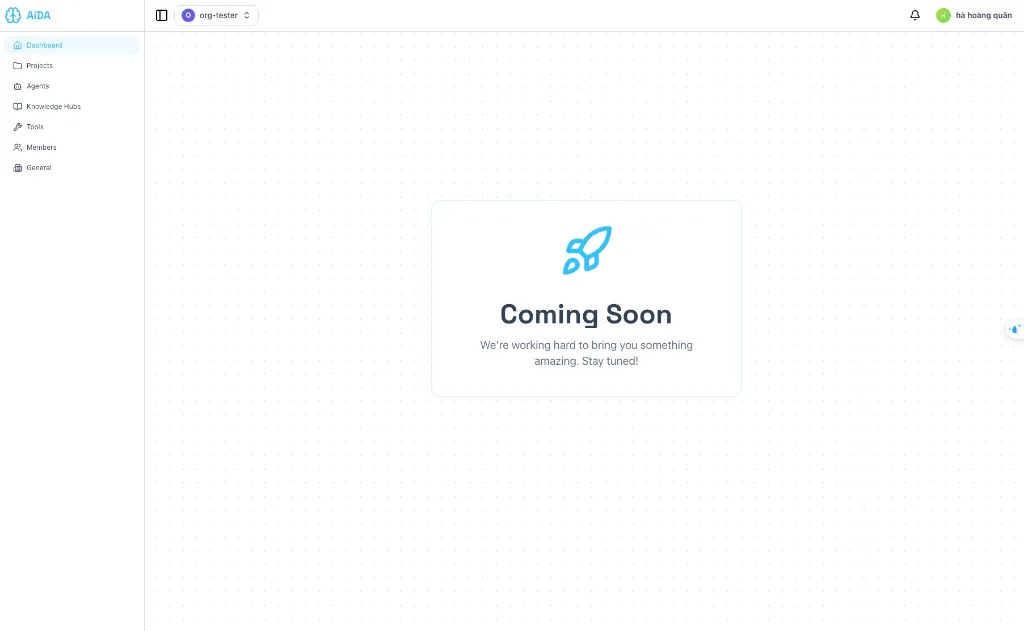
Once the organization is created, you will be automatically redirected to your new dashboard.
Next Steps
Now that your workspace is set up, verify your settings. You can learn more about features for Owners and Members.