Account Settings
Managing your profile and security settings
Last updated: 26 March 2026
After logging in, you can manage your personal information and security settings from your account preferences.
Accessing Settings
-
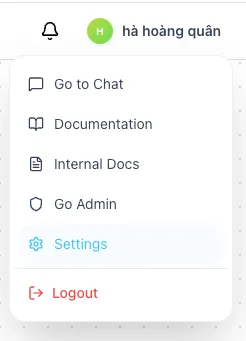
Click on your Profile Avatar/Name in the top-right corner of the header.
-
Select Settings from the dropdown menu.
Profile Management
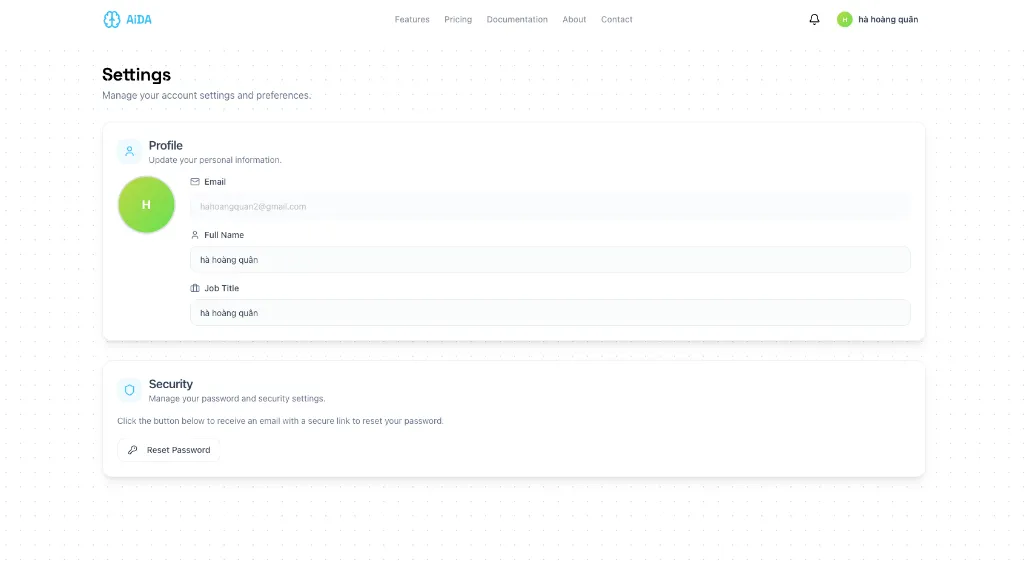
In the Profile section, you can update your basic information:
- Full Name: Your display name across the platform.
- Job Title: Your role or position within your organization.
Simply update the fields and the changes are saved automatically.
Security
The Security section allows you to manage your account access:
-
Reset Password: Click the Reset Password button to initiate a password change.
Password Reset Flow
-
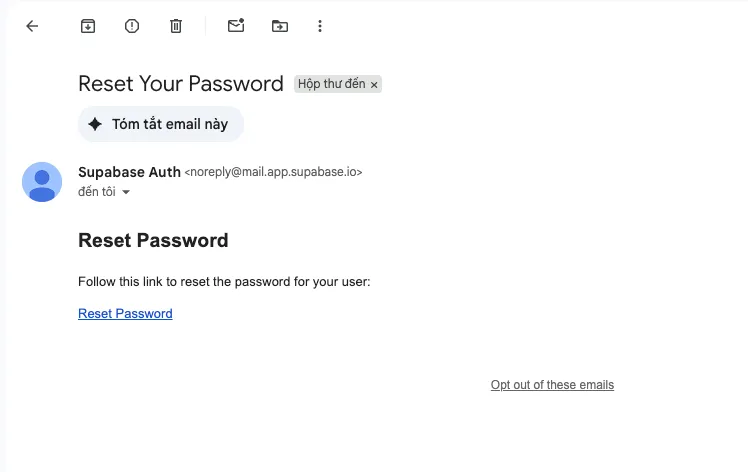
After clicking the button, check your inbox for an email from Supabase Auth with the subject "Reset Your Password".

-
Open the email and click the Reset Password link.
-
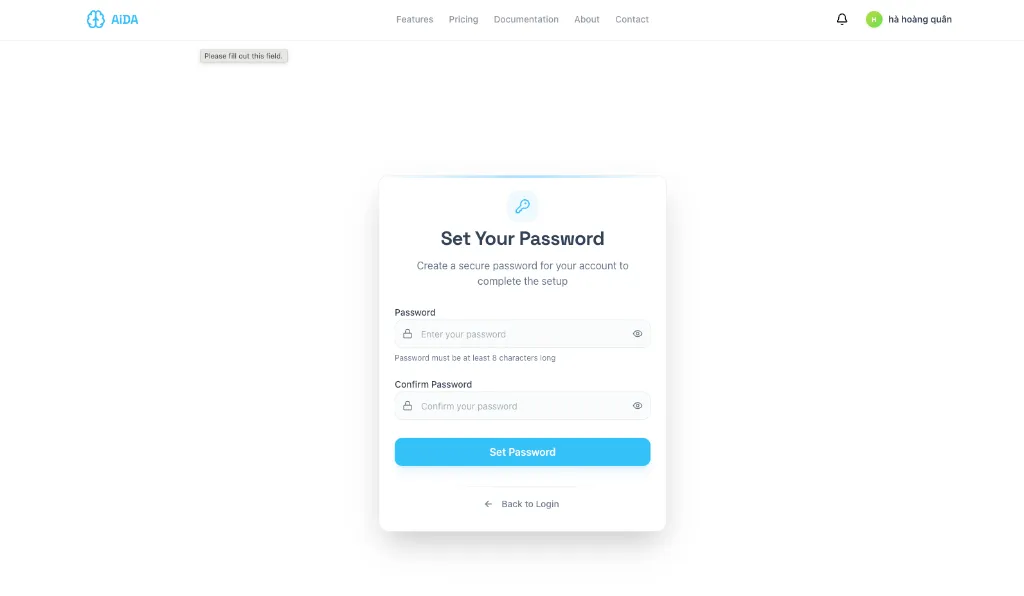
You will be redirected to the Set Your Password page. Enter your new password and confirm it.
-
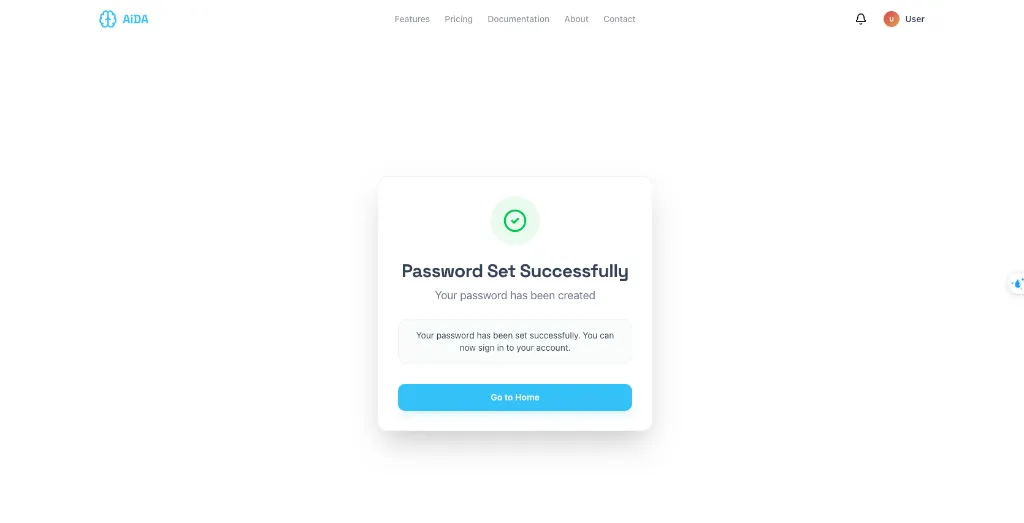
Once successfully updated, you will see a confirmation message. Click Go to Home to return to the dashboard.
Next Steps
Once your account is set up, you can configure your workspace to start working with AI agents.